Step-by-Step Guide
Follow these steps to remove the MDM lock from your iPhone.
Download the Software
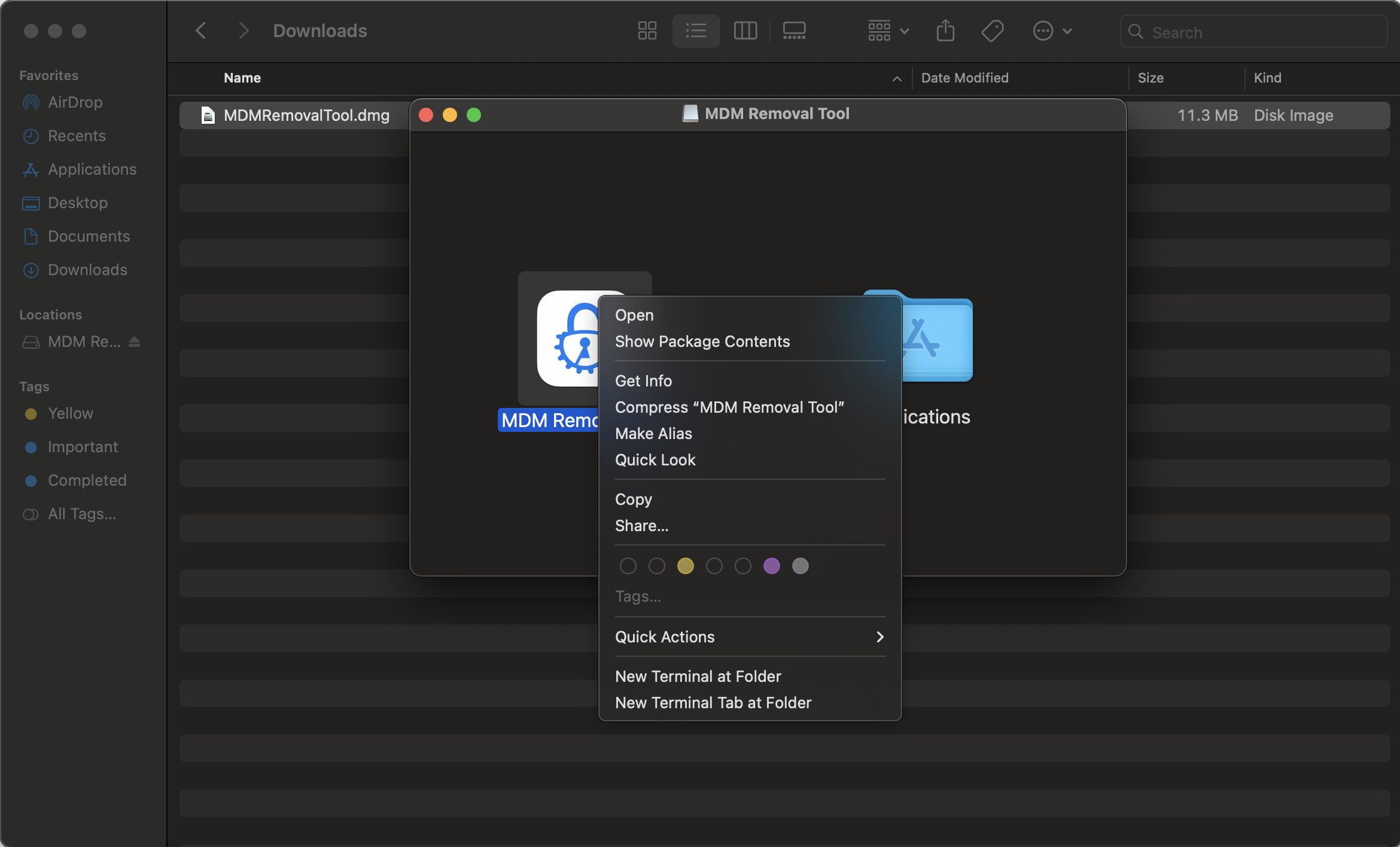
Download the latest version from this page. Currently available for macOS (Windows coming soon).
Run the installer and follow the on-screen instructions to complete setup.
Note for macOS Users
If macOS displays a security warning, right-click the application and select "Open" to proceed. For more information, click here.
Connect Your iPhone
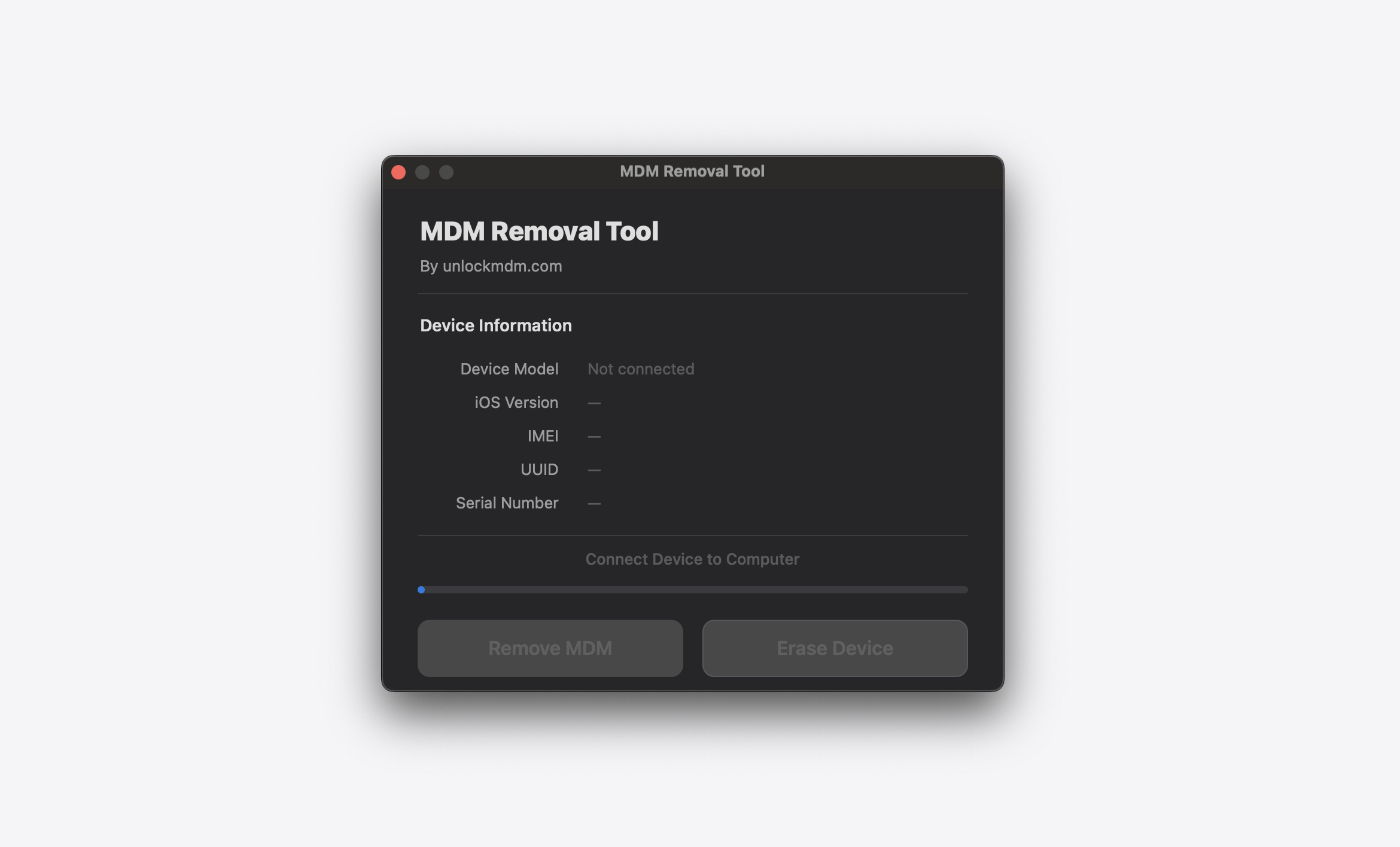
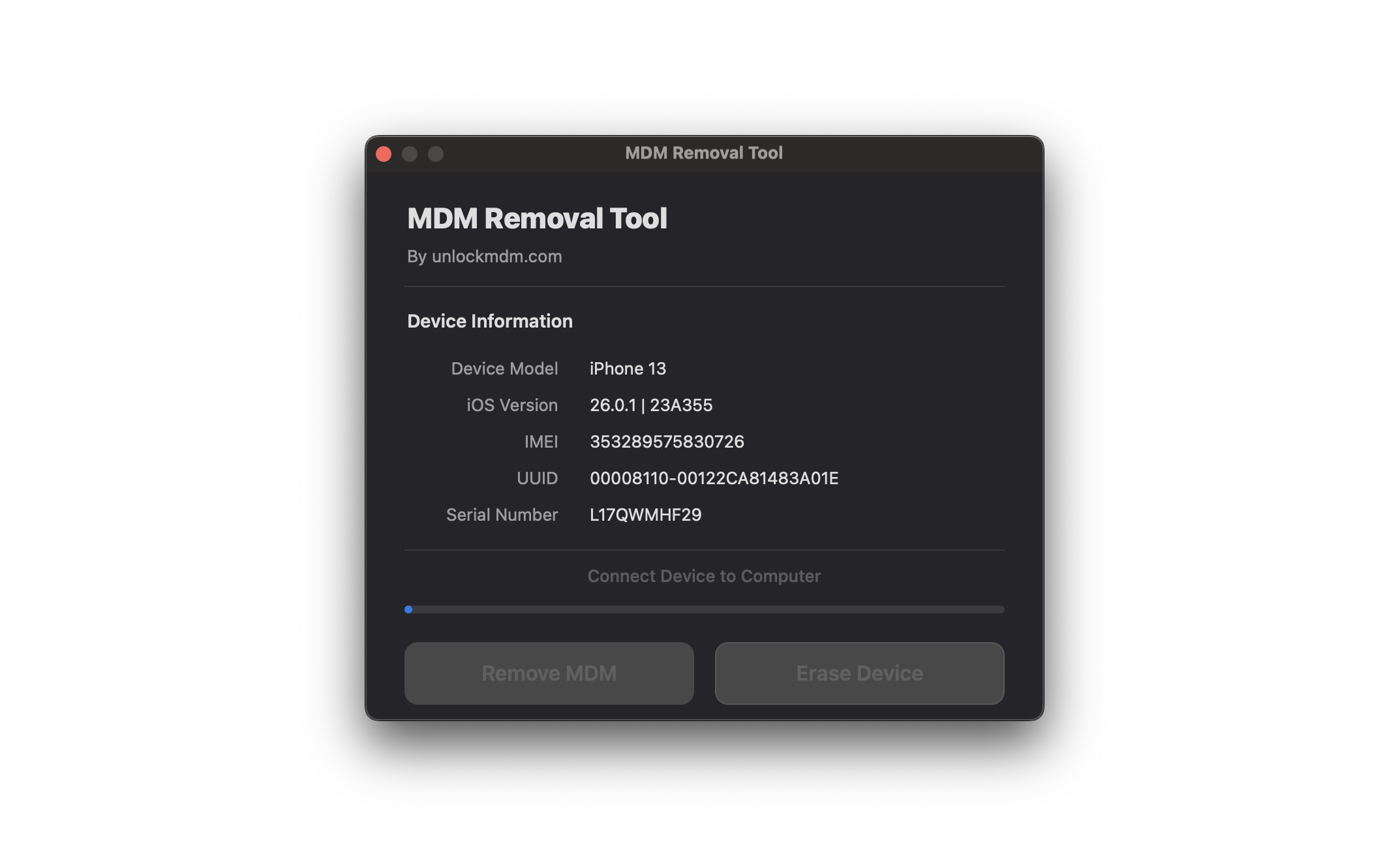
Open the software and connect your iPhone using a USB cable. The device will be detected automatically.
When prompted on your iPhone, tap "Trust This Computer" to continue.
Important
This tool removes MDM and Remote Management profiles only. iCloud Activation Lock requires a separate solution and is not supported.
Register Your Device
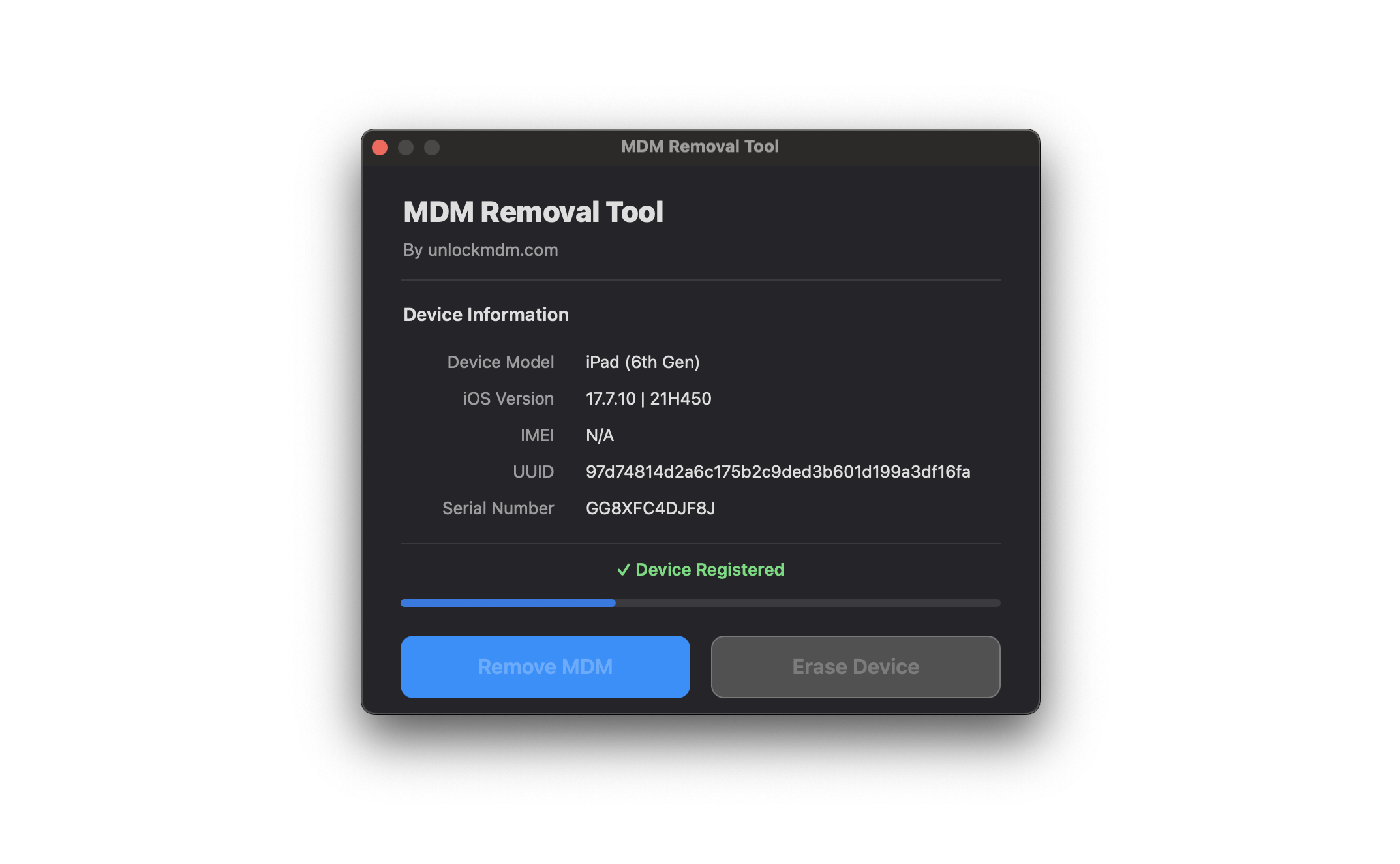
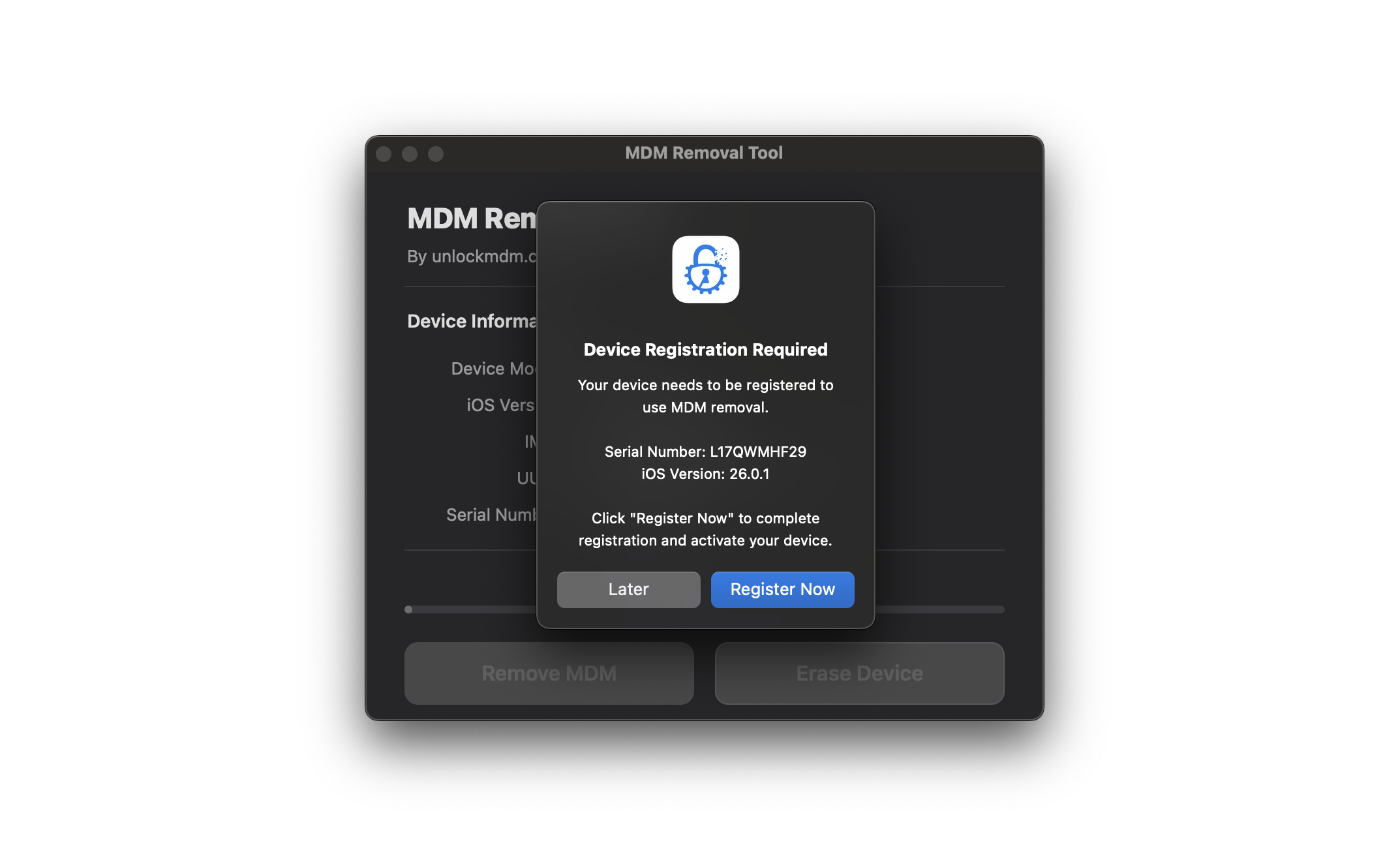
The software will prompt you to register. Enter your details and complete checkout.
Once payment is confirmed, your device serial is activated instantly with no waiting period.
Return to the software and the "Remove MDM" button will now be enabled.
Remove the Lock
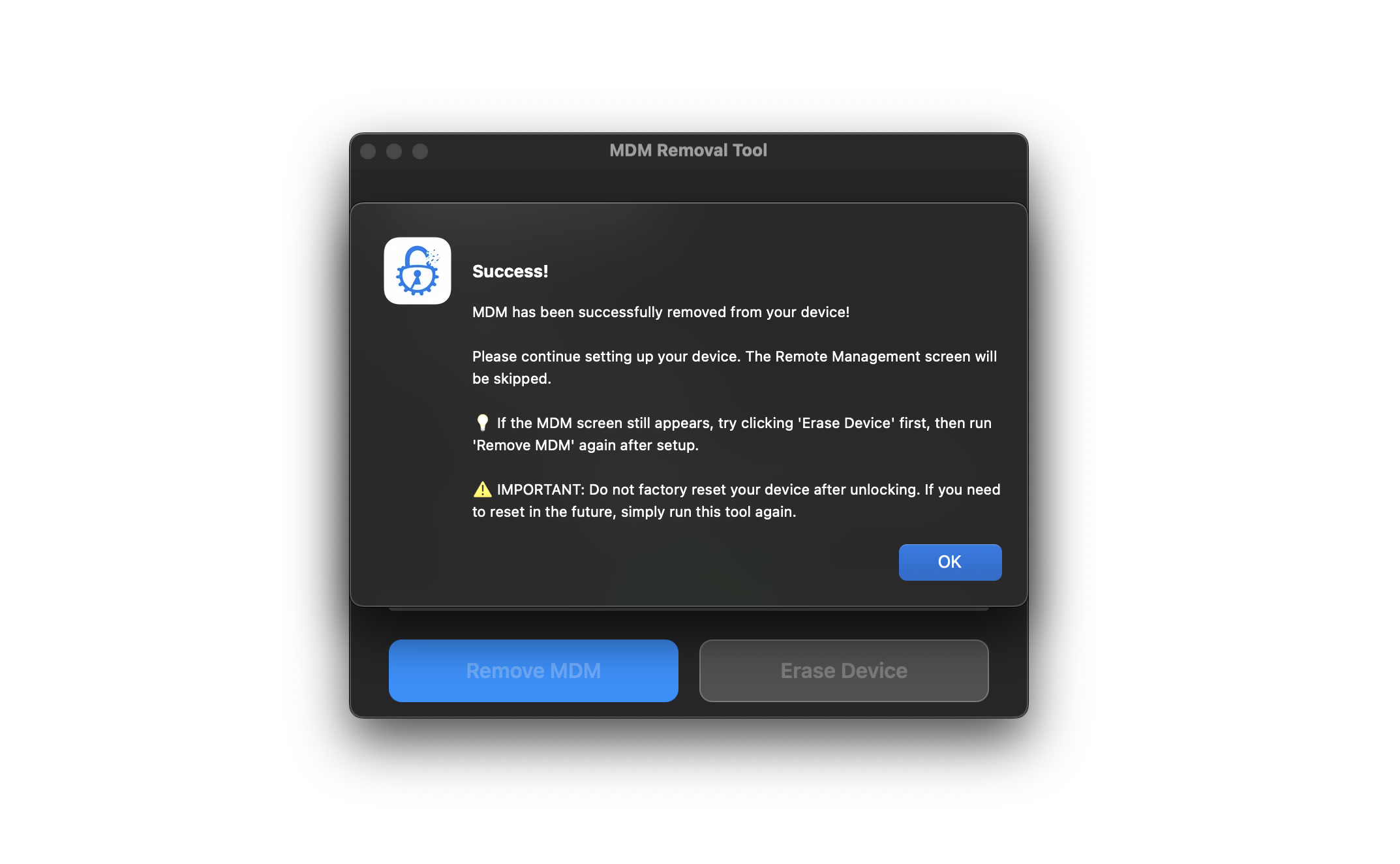
Click "Remove MDM" and wait for the process to complete. This typically takes about one minute.
Keep your iPhone connected until the success message appears.
Note: If the bypass does not work, your device may need to be erased first. This happens when your iPhone is not on the initial setup screen or has already connected to WiFi while on the Remote Management screen. In these cases, use "Erase Device" in the tool before attempting the bypass again.
Complete. Your iPhone will restart and skip the Remote Management screen entirely. Set up your device normally with your Apple ID, download apps, and use it without restrictions.
Important: Do not factory reset your device after the bypass. If you do need to reset in the future, simply run the software again at no additional cost using your existing registration.